Product Training
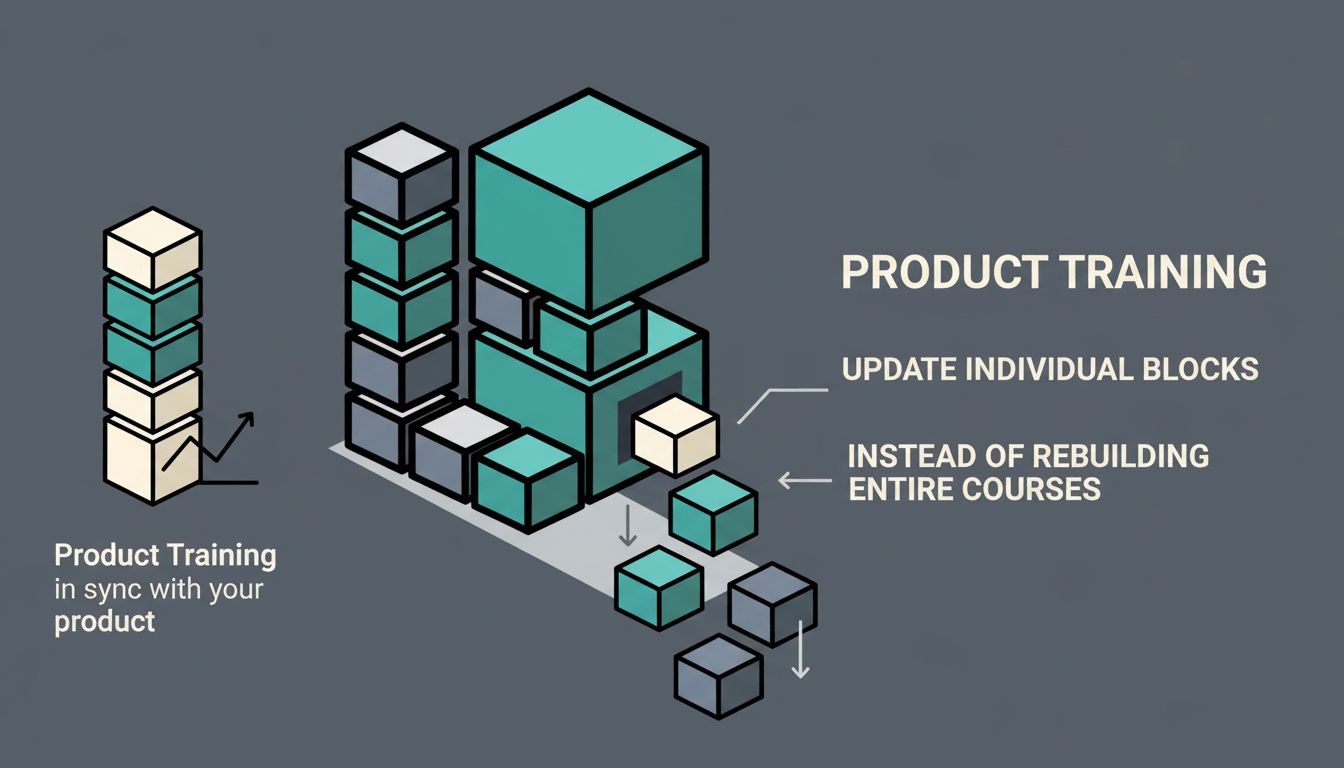
Keep product training in sync with your product -- update one block, not the whole course.
The problem
Product training is always outdated. The product ships faster than the training team can update the course.
Screenshots are wrong by the time learners see them. The UI changed two sprints ago, but the training still shows the old version.
Rebuilding an entire course for a single feature update takes days. So the training just stays wrong.
How LearnBuilder solves it
Block-based editor for fast updates
Change one block, not the whole course. Swap a screenshot, update a description, add a new feature section -- without touching anything else.
Hotspot images for UI walkthroughs
Annotate screenshots with clickable hotspots that explain each part of the interface. Learners explore the UI at their own pace.
PPTX import for existing product decks
Import your existing product presentations directly. Turn static slides into interactive slideshows with quizzes and activities.
Video blocks with cuepoints
Add cuepoints to demo videos for step-by-step walkthroughs. Learners can jump to the exact moment they need.
Example scenario
- 1
A product team imports their launch deck as an interactive slideshow using PPTX import.
- 2
They add hotspot images of the new UI, with clickable areas explaining each feature and workflow.
- 3
A quiz verifies that learners understand the key changes and can find the new features in the interface.
- 4
When the UI changes next sprint, they update just the affected screenshots and hotspots -- the rest of the course stays untouched.