Progress Tracking & Analytics
Monitor learner progress, completion rates, quiz scores, and time spent.
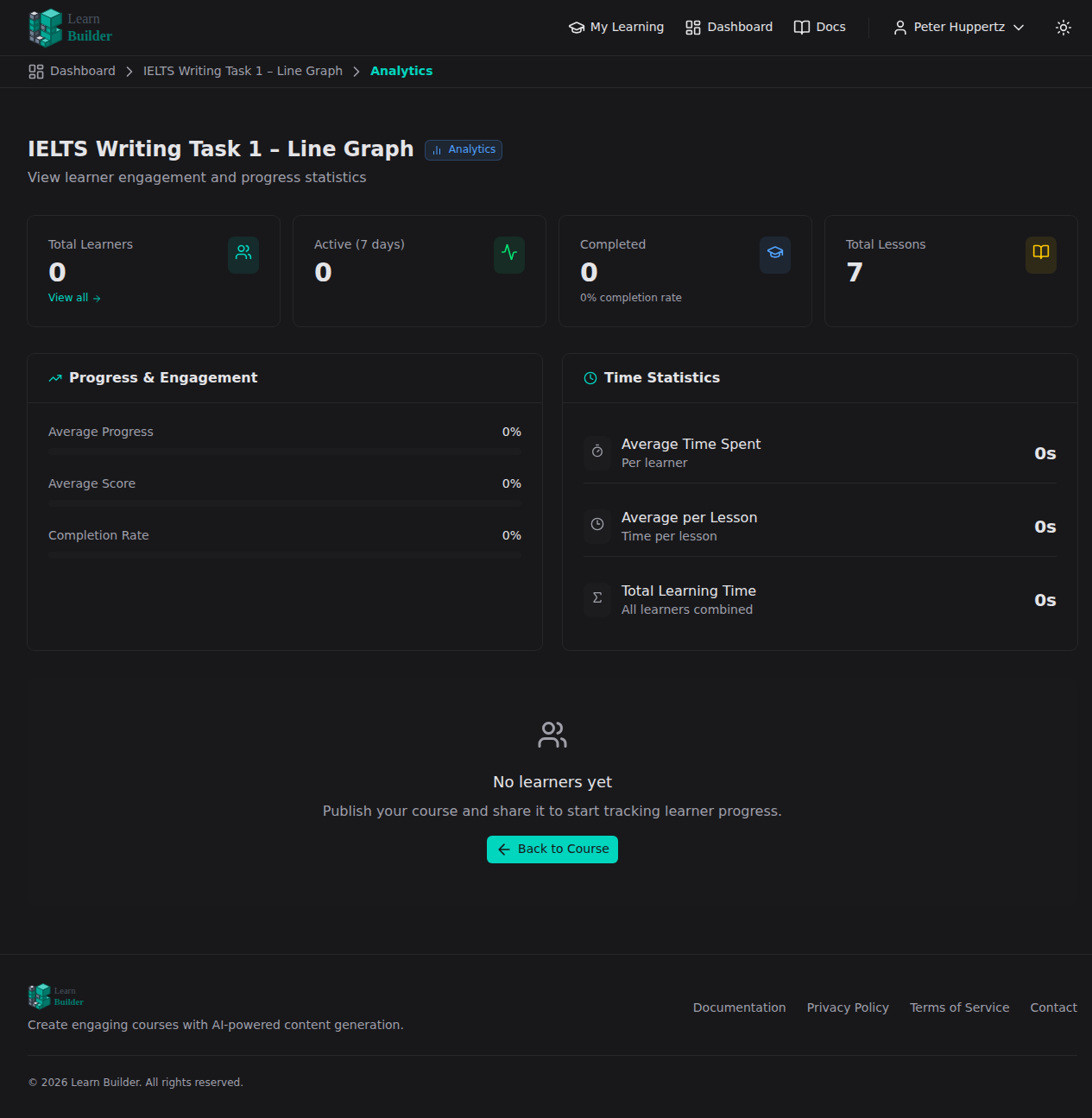
LearnBuilder tracks learner progress automatically. As a course creator, you can see how learners are moving through your content and where they're struggling.
Learner dashboard
Open the Learners tab inside any course to see an overview of all enrolled learners.
Columns:
| Column | What it shows |
|---|---|
| Name / Email | Learner identity |
| Status | Active, Completed, or Invited (pending) |
| Progress | Percentage of lessons completed |
| Score | Average quiz/assessment score |
| Enrolled | Enrollment date |
| Last Active | Most recent session |
Click any learner to open their detail view.
Learner detail view
The learner detail view shows:
- Lesson-by-lesson completion — which lessons are done, in progress, or not started
- Quiz scores — score per quiz block, including AI-graded responses and feedback
- AI Dialogue results — conversation summary and score
- Time spent — total time recorded in the course
- Certificate status — issued or pending
Course-level analytics
Note: Analytics are available on Professional and Business plans.
The Analytics dashboard (accessed from the main course view) provides aggregate data:
- Enrollment over time — chart of new enrollments
- Completion rate — percentage of enrolled learners who finished
- Average progress — mean lesson completion across all learners
- Average score — mean assessment performance
- Drop-off points — which lessons have the lowest completion rates
- Most-used blocks — content engagement metrics
Use drop-off data to identify where learners are getting stuck or disengaged, then revise that content.
What learners see
Learners have their own progress view in the learner portal:
- Progress bar showing overall course completion
- Checkmarks on completed lessons
- Locked lessons (if sequential progress is enabled)
- Quiz score history
Progress is saved automatically — learners can leave mid-lesson and return to where they were.
Exporting data
To export learner data:
- Go to the Learners tab
- Click Export
- Download a CSV with enrollment status, progress, and scores for all learners
The export includes one row per learner with all tracked metrics.